

Learn JavaScript Step by Step
Shop allCourses for every stage of learning
-
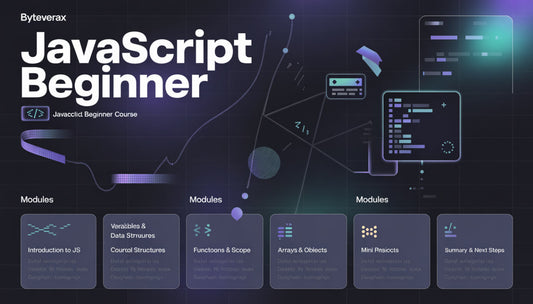
Free Module
Regular price €0,00 EURRegular price -
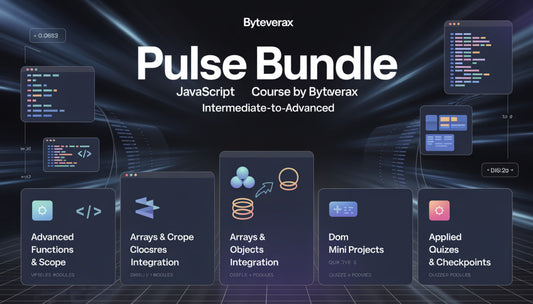
Pulse Bundle
Regular price €119,00 EURRegular price -
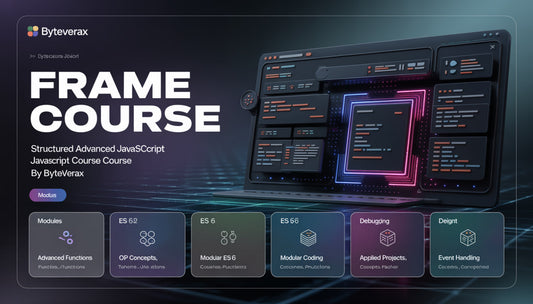
Frame Course
Regular price €175,00 EURRegular price




The People Behind the Lessons
-

Dashiell Monroe
Front-End Developer
Dashiell specializes in building user interfaces with JavaScript. He enjoys creating interactive components and improving user experience. In his free time, he experiments with open-source UI libraries. -

Quentin Lark
Full-Stack Developer
Quentin integrates front-end and back-end systems using JavaScript frameworks. He values clean, maintainable code and problem-solving through logic. He often explores new technologies to stay updated. -

Callum Vance
Interactive Developer
Callum builds interactive components for educational platforms. He emphasizes practical implementations using JavaScript modules. Outside of coding, he
explores creative coding projects.


Explore the world of JavaScript step by step
Why Our Courses Stand Out
-

Structured Learning
Each lesson is
organized step by
step, guiding
learners from
basics to more
advanced concepts. -

Practical Projects
Mini-projects and
exercises allow
students to apply
knowledge in real
coding scenarios
immediately. -

Offline Access
All materials are
downloadable, so
learners can
study anytime,
anywhere, without
internet. -

Clear Explanations
Concepts are
presented in a simple and
understandable
way, making JavaScript
approachable
for all levels.


Try for Free

Explore the Courses
As seen on


30-days refund guarantee
Our Learners’ Experiences
-

Isolde Harper
Isolde wanted to explore JavaScript to create browser-based interactive games.
What was useful: The downloadable content and practical exercises allowed her to practice offline.
“Being able to work through the exercises step by step helped me see real progress in my coding skills.” -

Saffron Blake
Saffron joined to learn best practices for accessibility and dynamic web features.
What was useful: The clear structure and modular approach of the lessons made concepts approachable.
“The structured format and examples helped me understand how to make web pages more interactive and inclusive.”


About Byteverax


